


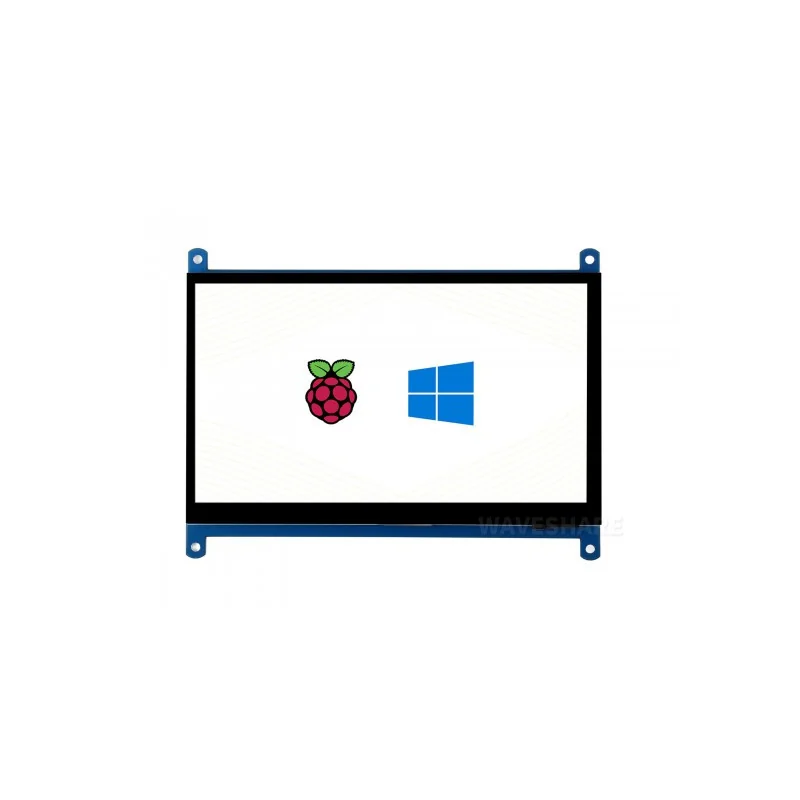


7 inch LCD Display 1024*600 TFT Monitor HDMI with Touch Screen for Raspberry

: Vous pouvez voir les tarifs d'expédition et estimations de livraison cliquant ici

: Retour sous 7 jours avec conditions, cliquez pour plus de détails
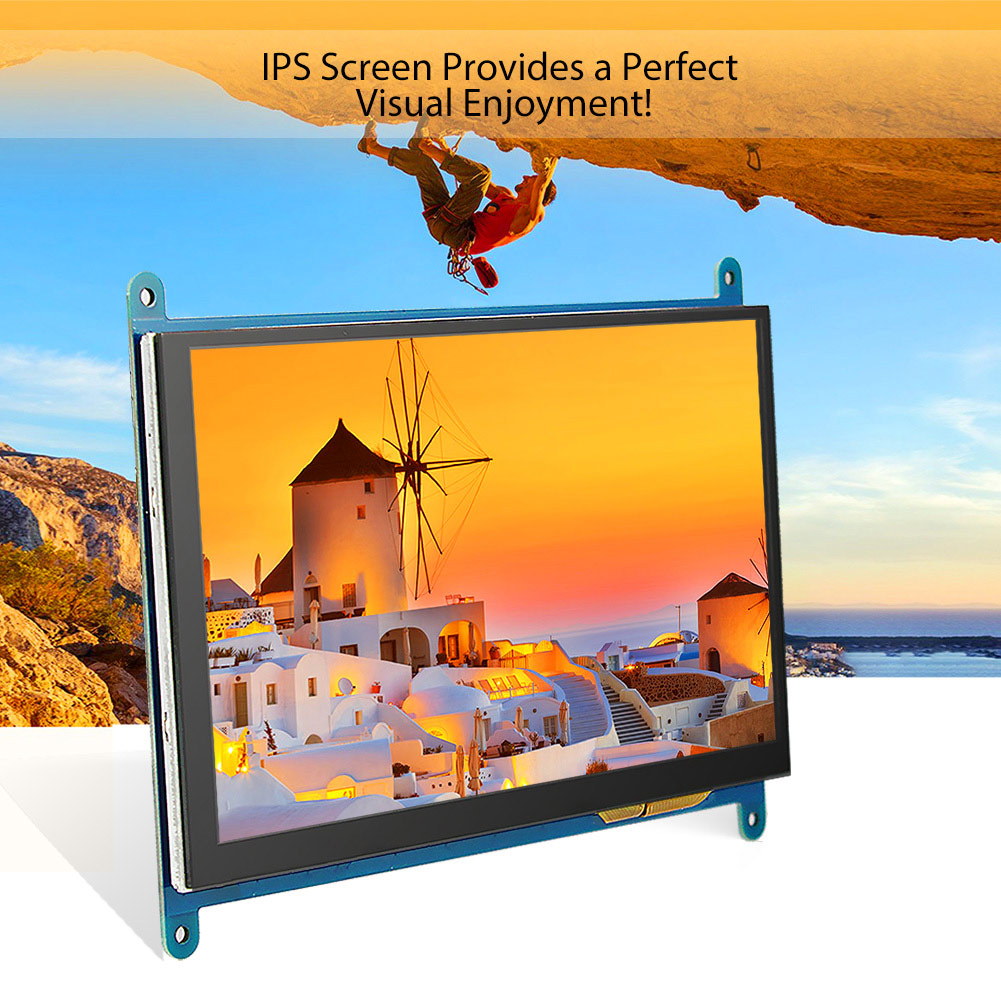
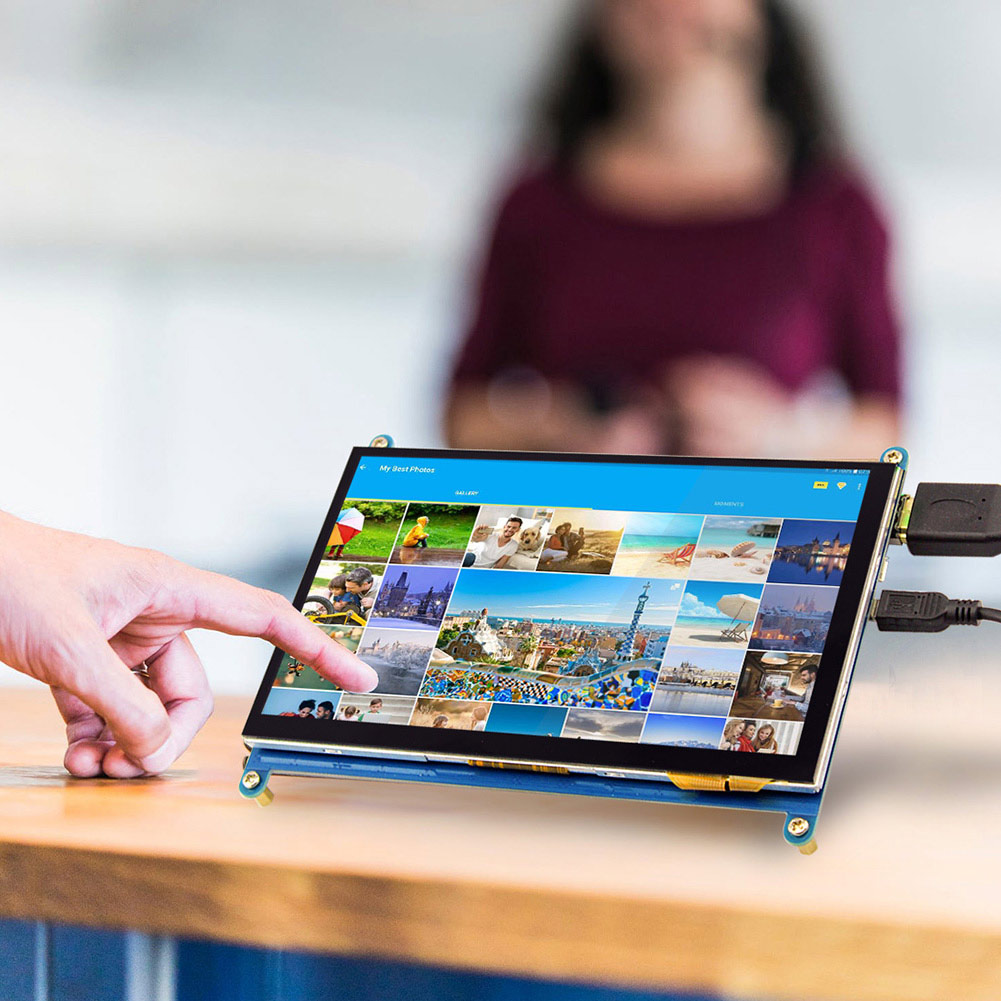
7inch LCD(C) HDMI-compatible display supports various systems like Raspberry Pi, Banana Pi, Banana Pro, and BB Black to provide Lubuntu, Raspbian, and Angstrom images with a high resolution of 1024×600 and a Capacitive Touch Screen. Besides, it upgrades to an IPS screen with a larger visible angle and more clear display effect. Broadly you can apply it to raspberry pi, HDMI-compatible display screens, and other mini PC or even computer displays. If you gonna use it on Raspberry pi zero and BB Black, you need to buy HDMI-compatible connect wire for use and for raspberry pi zero you also need to buy A USB type A micro cable. Matched with raspberry pi, it supports Raspbian, ubuntu to do single touch without touch, while as A PC display, it supports Windows 10 / 8.1 / 8 / 7 to do the five-point touch without a drive. For the Windows 10/8.1/8 OS, the touch screen supports multi-touch up to 10 points. For some Windows 7 OS, the touch screen supports single touch only. When working with Raspberry Pi, you should set the resolution of the LCD by yourself, or else the LCD screen will not work. When working with Beagle bone, this LCD module is used for display only so you can program the latest Angstrom image file to the board directly without any change. The BeagleBone will read the display parameters of the 7-inch HDMI-compatible displayer and set the resolution to 800*480 automatically.
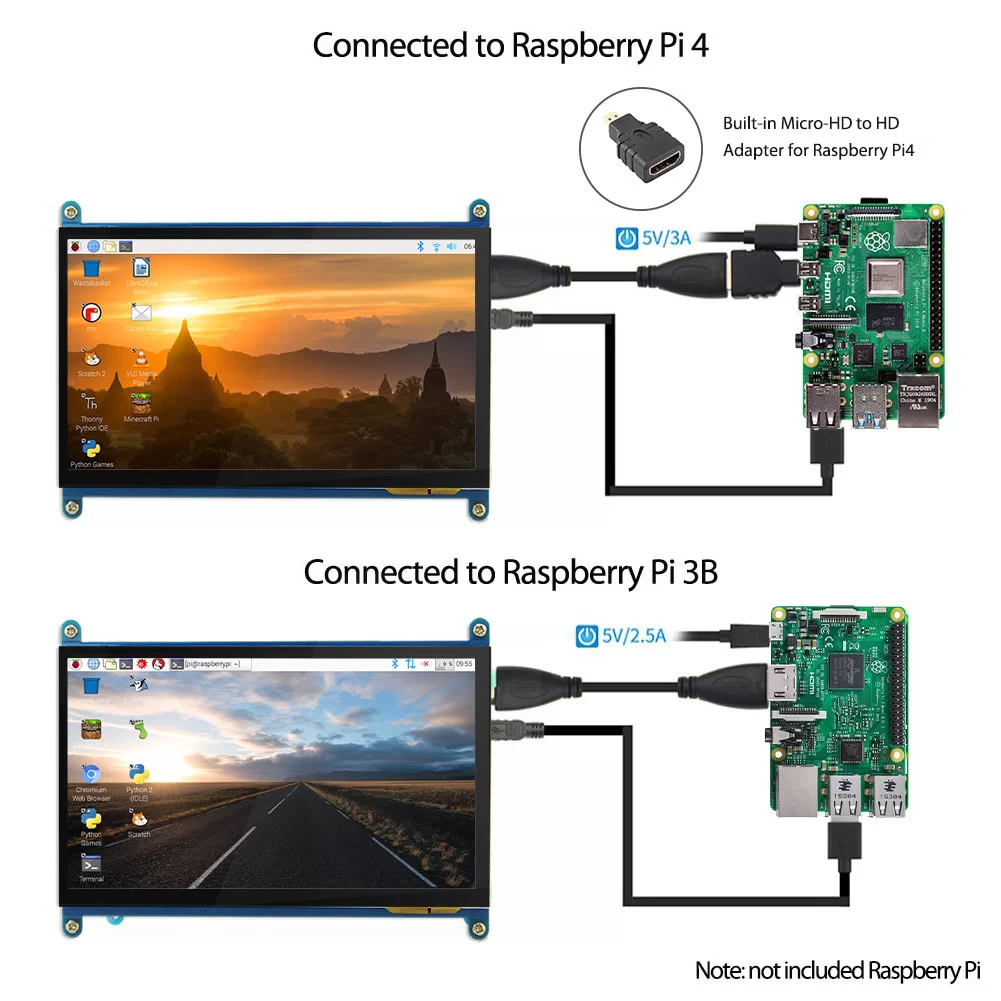
*When working with Raspberry Pi 4, for the system image of Raspberry Pi after 2021-10-30, for example on Bullseye, please modify "dtoverlay = vc4-kms-v3d" to "dtoverlay = vc4-fkms-v3d" in the config file, otherwise it may fail to start. But on Buster, please comment out "dtoverlay = vc4-fkms-V3D" by adding #.
Note :
1. Drivers can be added to your current system to support LCD display and touch control
2. Images CAN NOT be used with your current system. They're stand-alone systems that support LCD display and touch control already.
3. If the LCD is intended to play videos, please choose the one with HDMI-compatible display interface
4. All the driver and related image files have been included in the DVD.

Specification
Appearance Size: 164*124*14.4mm
Screen Size: 155*88.5mm


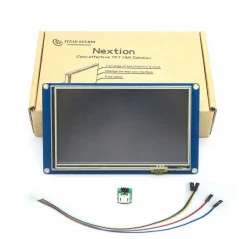


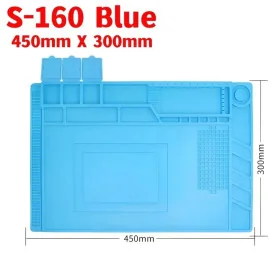

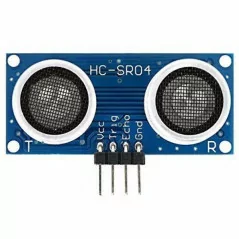
Description & retour
Fonctionnalité:
1. Compatible avec le module Raspberry Pi 2 B / B + / A + / B
2. Pour Raspberry Pi, vous pouvez exécuter Raspbian et Ubuntu (Ubuntu ne peut fonctionner qu'à Raspberry Pi 2 modle B)
3. Compatible avec BB Black et Banana Pi / Pro
4. Peut également exécuter Windows sur votre PC (Touch ne peut pas fonctionner)
5. USB touch et l'affichage HDMI n'occupent aucun GPIO
6. Avec Raspberry pi, il peut supporter Raspbian, Ubuntu, Windows 10 IoT, un seul point de contact.
Mais comme écran d'ordinateur, il peut prendre en charge Windows 10 / 8.1 / 8/7, cinq points de contact. Aucun pilote nécessaire.
7inch LCD(C) HDMI-compatible display supports various systems like Raspberry Pi, Banana Pi, Banana Pro, and BB Black to provide Lubuntu, Raspbian, and Angstrom images with a high resolution of 1024×600 and a Capacitive Touch Screen. Besides, it upgrades to an IPS screen with a larger visible angle and more clear display effect. Broadly you can apply it to raspberry pi, HDMI-compatible display screens, and other mini PC or even computer displays. If you gonna use it on Raspberry pi zero and BB Black, you need to buy HDMI-compatible connect wire for use and for raspberry pi zero you also need to buy A USB type A micro cable. Matched with raspberry pi, it supports Raspbian, ubuntu to do single touch without touch, while as A PC display, it supports Windows 10 / 8.1 / 8 / 7 to do the five-point touch without a drive. For the Windows 10/8.1/8 OS, the touch screen supports multi-touch up to 10 points. For some Windows 7 OS, the touch screen supports single touch only. When working with Raspberry Pi, you should set the resolution of the LCD by yourself, or else the LCD screen will not work. When working with Beagle bone, this LCD module is used for display only so you can program the latest Angstrom image file to the board directly without any change. The BeagleBone will read the display parameters of the 7-inch HDMI-compatible displayer and set the resolution to 800*480 automatically.
*When working with Raspberry Pi 4, for the system image of Raspberry Pi after 2021-10-30, for example on Bullseye, please modify "dtoverlay = vc4-kms-v3d" to "dtoverlay = vc4-fkms-v3d" in the config file, otherwise it may fail to start. But on Buster, please comment out "dtoverlay = vc4-fkms-V3D" by adding #.
Note :
1. Drivers can be added to your current system to support LCD display and touch control
2. Images CAN NOT be used with your current system. They're stand-alone systems that support LCD display and touch control already.
3. If the LCD is intended to play videos, please choose the one with HDMI-compatible display interface
4. All the driver and related image files have been included in the DVD.
Specification
Appearance Size: 164*124*14.4mm
Screen Size: 155*88.5mm
Politique de retour Websoog
Si vous n'êtes pas satisfait d'un produit acheté sur websoog.com, ou si celui-ci est défectueux ou endommagé, vous pouvez le retourner dans les 8 jours suivant la date de livraison, et nous procéderons à son remplacement. Veuillez noter que si la commande dépasse ce délai, nous ne pourrons pas accepter le retour. Les produits sont échangés uniquement, aucun remboursement n'est effectué.
Échange possible si le produit ne correspond pas à l'image ou à la description.
Nous traitons les anomalies, défauts, produits endommagés ou pièces manquantes.
Une vidéo complète permet de protéger vos droits et d'accélérer le traitement.
Conditions pour échanger un produit
- Si le produit ne correspond pas à l'image présentée sur le site.
- Si le produit présente un défaut ou une anomalie.
- Si le produit est endommagé.
- Si le produit est une contrefaçon.
- Si le produit manque certaines de ses pièces.
- Si vous n'êtes pas satisfait du produit, sans que les raisons mentionnées ci-dessus soient en cause, les frais de retour seront à votre charge.
Conditions vidéo pour garantir votre droit de retour et d'échange
Pour protéger vos droits et éviter tout malentendu, merci de respecter les étapes suivantes :
- Filmez le colis avant ouverture pour montrer l’état de l’emballage extérieur.
- Assurez-vous que l’étiquette avec votre nom et adresse soit bien visible dans la vidéo.
- Enregistrez l’intégralité de l’ouverture du colis, sans interruption, jusqu’à ce que le produit soit entièrement sorti.
- Une fois le produit sorti, filmez-le sous tous les angles.
- Si le produit est électronique, montrez son fonctionnement et ses fonctionnalités principales dans la vidéo.
- Si des défauts, anomalies ou pièces manquantes sont constatés, filmez-les clairement.
Méthodes pour échanger un produit
Lors de la réception du nouveau produit, vous devrez payer un montant spécifique en garantie. Remettez l'ancien produit au bureau de livraison au moment où vous recevez le nouveau produit. Une fois le produit retourné reçu, nous inspecterons son état. Si le produit est en bon état, le montant de la garantie sera restitué. Si le produit est en mauvais état, une déduction sera effectuée sur la garantie, en fonction de l’état du produit.
Vous envoyez le produit pour inspection. Après vérification de son état, un produit de remplacement vous sera envoyé. Cette méthode prend plus de temps.
Produits non éligibles à l'échange
- Produits ouverts qui ne peuvent pas être retournés pour des raisons d'hygiène ou de santé.
- Enregistrements audio/vidéo ou logiciels ouverts après livraison.
- Produits personnalisés ou fabriqués sur commande.
- Produits susceptibles de se détériorer rapidement.
- Contenu numérique non fourni sur support matériel (CD, DVD, etc.).
- Produits volumineux nécessitant un montage, comme les meubles.
Connectez-vous à votre compte via le lien suivant : Connexion à votre compte. Remplissez ensuite le formulaire de demande de retour en y ajoutant la vidéo comme preuve.
Avis clients vérifiés
Expériences réelles de clients ayant acheté ce produit
Aucun avis pour le moment.
Fonctionnalité:
1. Compatible avec le module Raspberry Pi 2 B / B + / A + / B
2. Pour Raspberry Pi, vous pouvez exécuter Raspbian et Ubuntu (Ubuntu ne peut fonctionner qu'à Raspberry Pi 2 modle B)
3. Compatible avec BB Black et Banana Pi / Pro
4. Peut également exécuter Windows sur votre PC (Touch ne peut pas fonctionner)
5. USB touch et l'affichage HDMI n'occupent aucun GPIO
6. Avec Raspberry pi, il peut supporter Raspbian, Ubuntu, Windows 10 IoT, un seul point de contact.
Mais comme écran d'ordinateur, il peut prendre en charge Windows 10 / 8.1 / 8/7, cinq points de contact. Aucun pilote nécessaire.
7inch LCD(C) HDMI-compatible display supports various systems like Raspberry Pi, Banana Pi, Banana Pro, and BB Black to provide Lubuntu, Raspbian, and Angstrom images with a high resolution of 1024×600 and a Capacitive Touch Screen. Besides, it upgrades to an IPS screen with a larger visible angle and more clear display effect. Broadly you can apply it to raspberry pi, HDMI-compatible display screens, and other mini PC or even computer displays. If you gonna use it on Raspberry pi zero and BB Black, you need to buy HDMI-compatible connect wire for use and for raspberry pi zero you also need to buy A USB type A micro cable. Matched with raspberry pi, it supports Raspbian, ubuntu to do single touch without touch, while as A PC display, it supports Windows 10 / 8.1 / 8 / 7 to do the five-point touch without a drive. For the Windows 10/8.1/8 OS, the touch screen supports multi-touch up to 10 points. For some Windows 7 OS, the touch screen supports single touch only. When working with Raspberry Pi, you should set the resolution of the LCD by yourself, or else the LCD screen will not work. When working with Beagle bone, this LCD module is used for display only so you can program the latest Angstrom image file to the board directly without any change. The BeagleBone will read the display parameters of the 7-inch HDMI-compatible displayer and set the resolution to 800*480 automatically.
*When working with Raspberry Pi 4, for the system image of Raspberry Pi after 2021-10-30, for example on Bullseye, please modify "dtoverlay = vc4-kms-v3d" to "dtoverlay = vc4-fkms-v3d" in the config file, otherwise it may fail to start. But on Buster, please comment out "dtoverlay = vc4-fkms-V3D" by adding #.
Note :
1. Drivers can be added to your current system to support LCD display and touch control
2. Images CAN NOT be used with your current system. They're stand-alone systems that support LCD display and touch control already.
3. If the LCD is intended to play videos, please choose the one with HDMI-compatible display interface
4. All the driver and related image files have been included in the DVD.
Specification
Appearance Size: 164*124*14.4mm
Screen Size: 155*88.5mm

